Like Zoom, built for what happens after everyone joins
Your online event shouldn’t end when the presentation does.
Free to set up · Try a call first: no account, nothing to install
Do the maths
What did your last webinar really buy you?
You paid for attention. Here’s how much of it you got to use.
You paid £20 for every person in the room. Then 245 of them (98%) left without speaking to anyone from your team.
Attention that walked out
£4,900
Gone in the time it takes to click “End meeting for all”. Your team will spend next week emailing them, trying to start a conversation that could have happened in the room.
The problem
You got them into the room. But did they connect?
- You spent thousands promoting a webinar, and interested prospects left without speaking to your sales team.
- You sold tickets to a virtual conference, and attendees barely met each other.
- You signed up sponsors, and all they got was a logo on a slide.
- You built a community, and most members still don’t know one another.
- You held a company-wide meeting, and everyone went back to working alone.
The problem isn’t getting people online. It’s what happens after they arrive.

- 40%
of people who register for a webinar attend it live. You’ve already paid to fill the seats that stay empty.
Wistia, webinar analytics benchmarks, 2024 ↗ - 17%
more often, online attendees failed to meet the people they came to meet, compared with in person.
Bizzabo Virtual Attendee Experience Report, via Smart Meetings ↗ - 51%
of online attendees weren’t interested in networking, against 23% in person. On a call, there’s nothing to stay for.
Bizzabo Virtual Attendee Experience Report, via Smart Meetings ↗
The minute the talk ends
This is where the money leaks
On a video call
Everyone who was interested clicks OK and goes back to their inbox. Your follow-up email joins them there tomorrow.
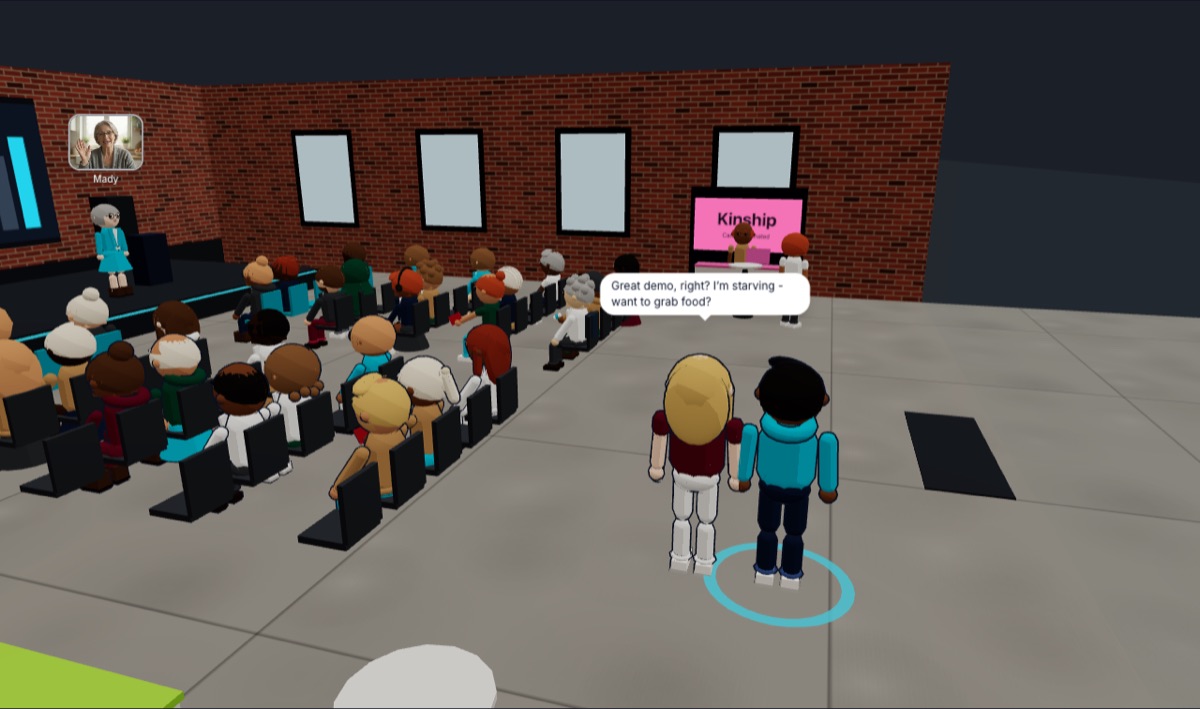
On Noza
The talk’s over and nobody’s been kicked out. People turn to each other, walk up to the speaker, and find your team.
How it works
Bring everyone together. Then let them connect.
Your audience doesn’t disappear when the presentation ends. They stay, move into smaller conversations and talk one-to-one, just like at a real event.
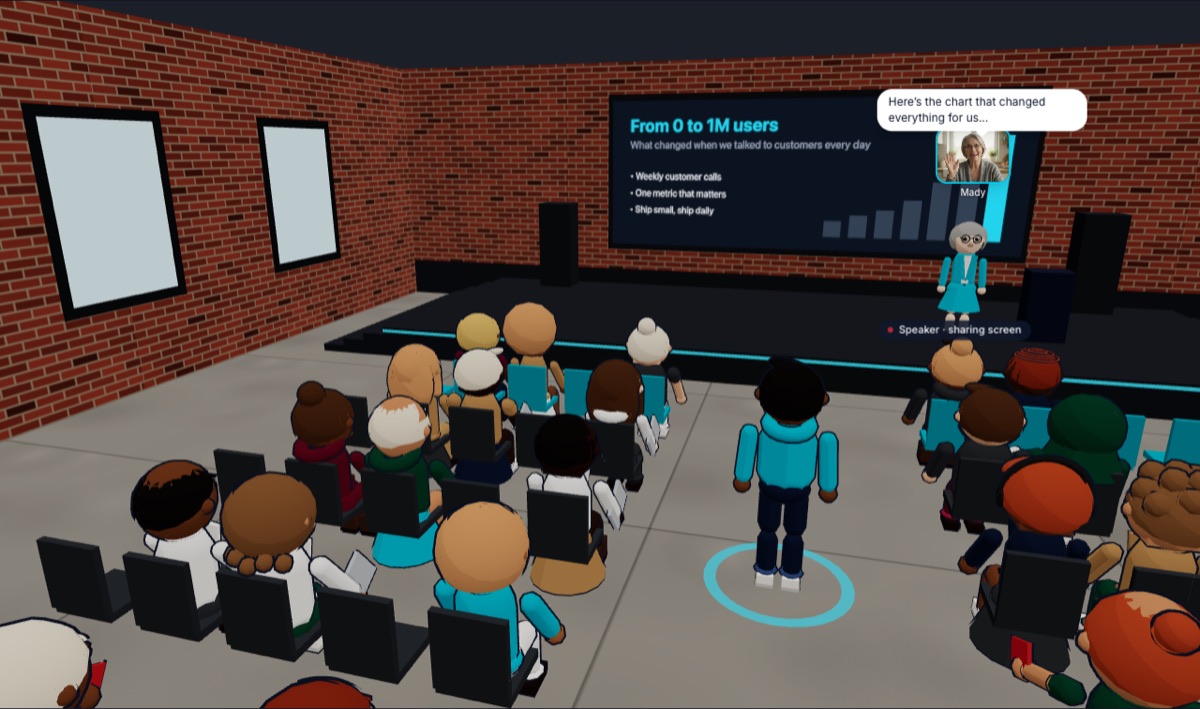 Step 1
Bring everyone together
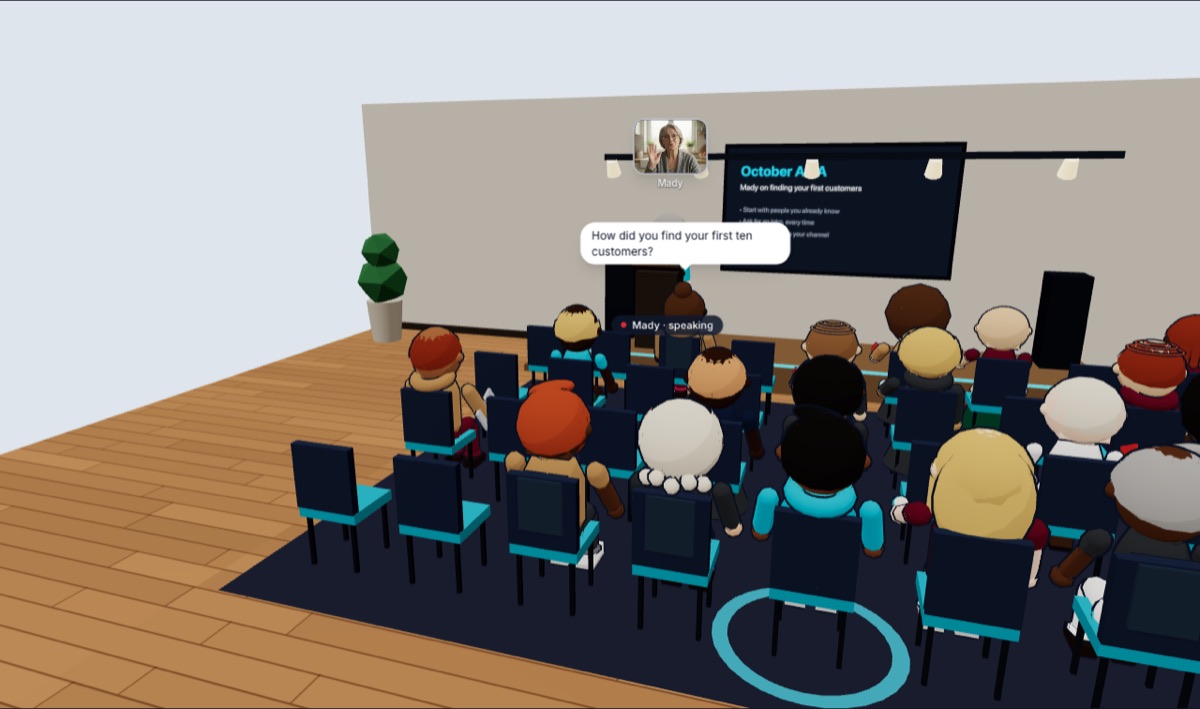
Everyone gathers in one hall for the keynote, the demo or the lesson. The speaker has the stage and the big screen.
- Step 2
Let them stay
The talk ends and nobody’s kicked out. People turn to whoever’s next to them, the way they would in a real room.
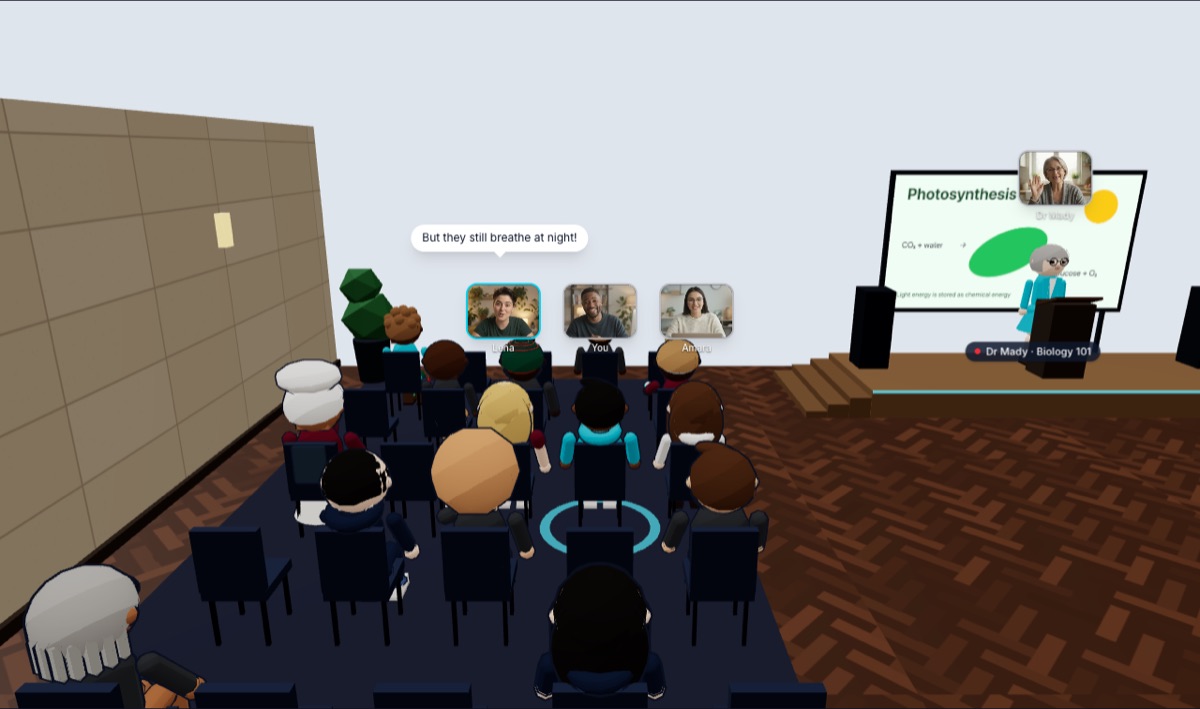 Step 3
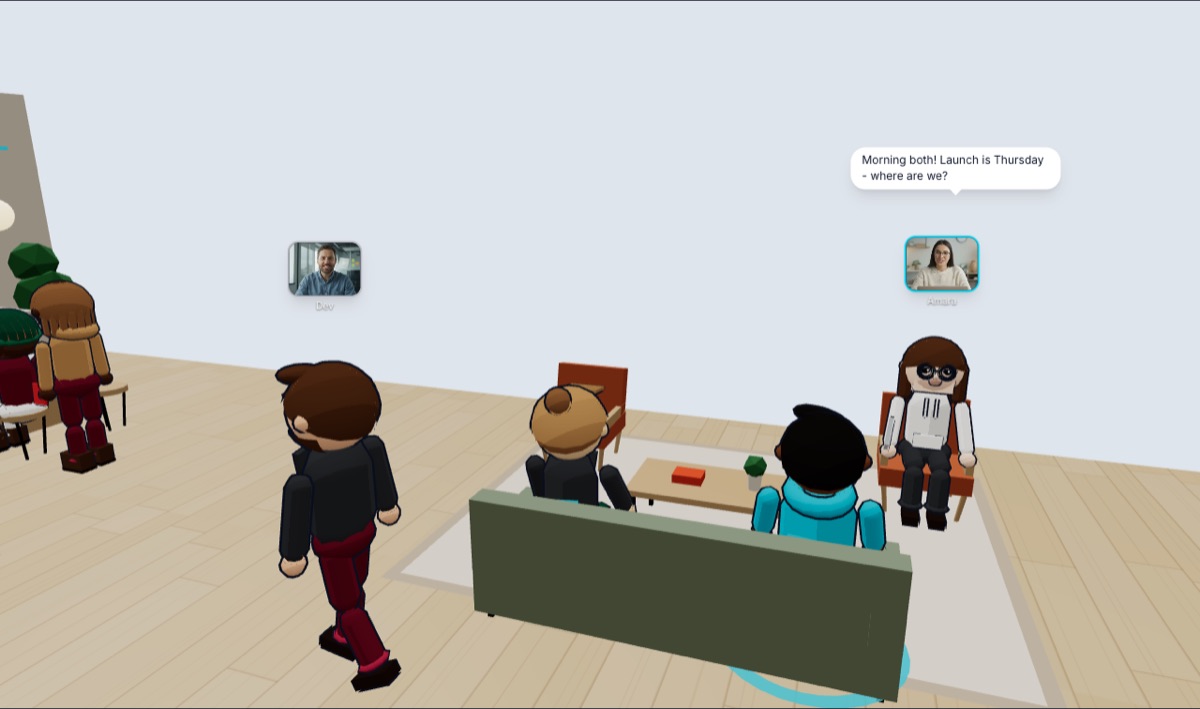
Smaller conversations
Groups form round tables and topics on their own. Nobody has to be sorted into a breakout room.
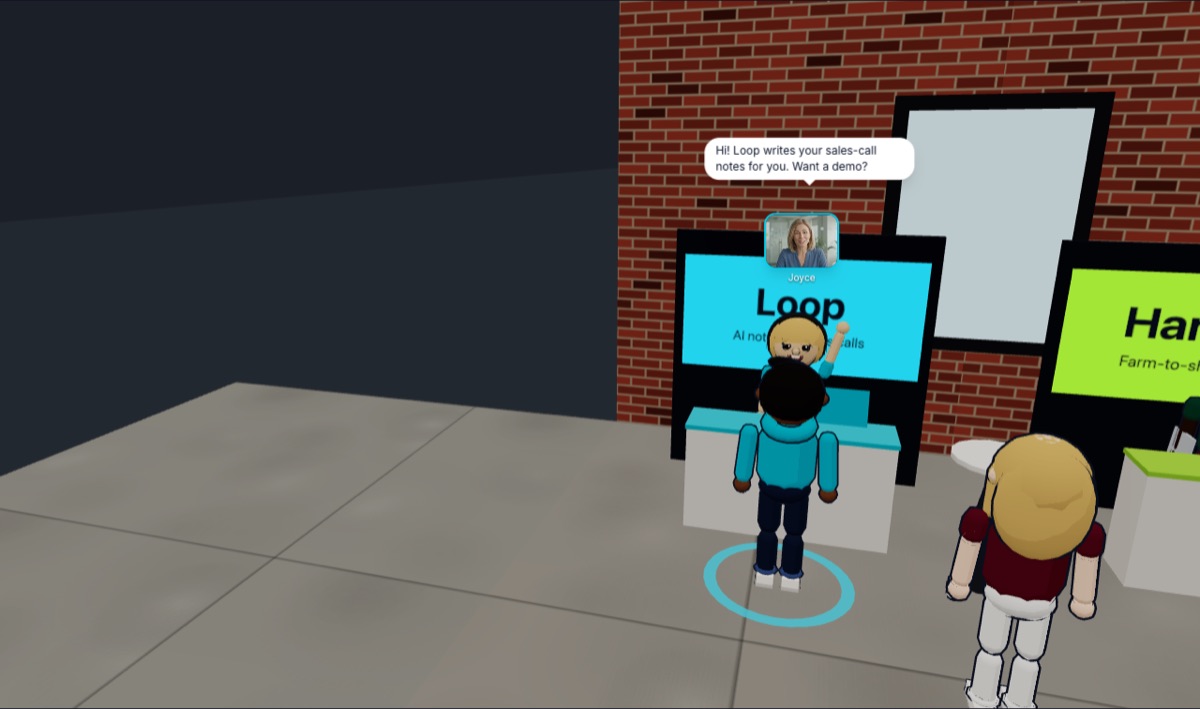 Step 4
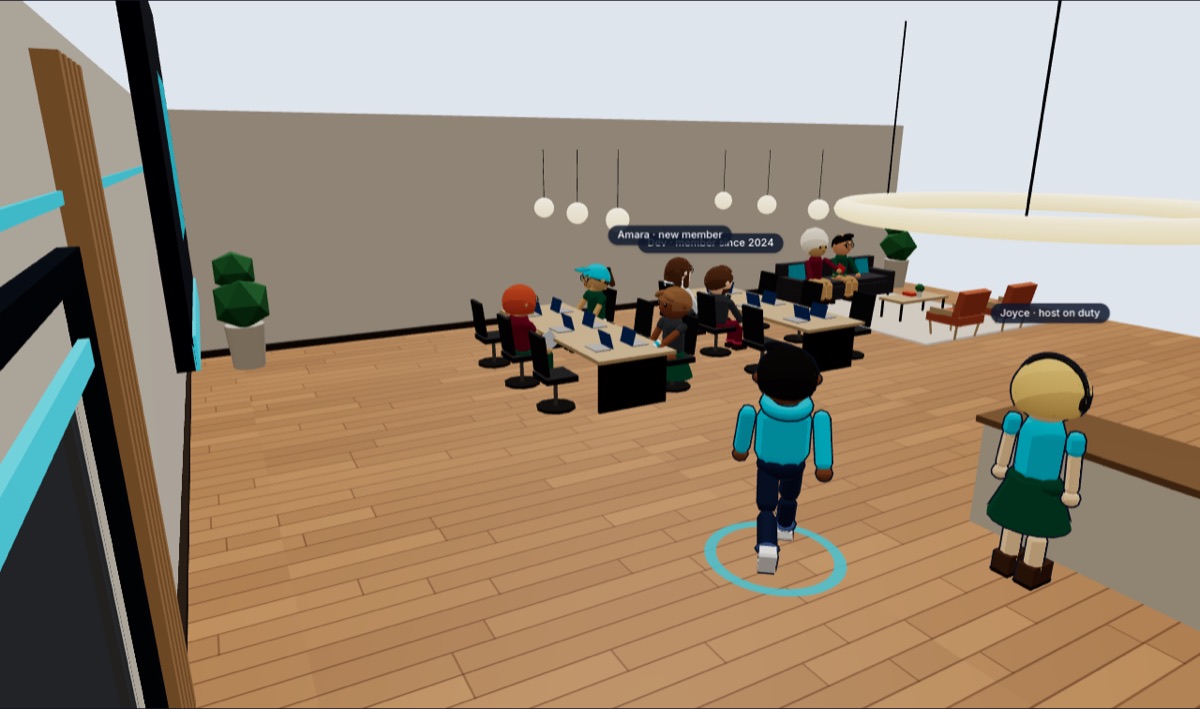
One-to-one
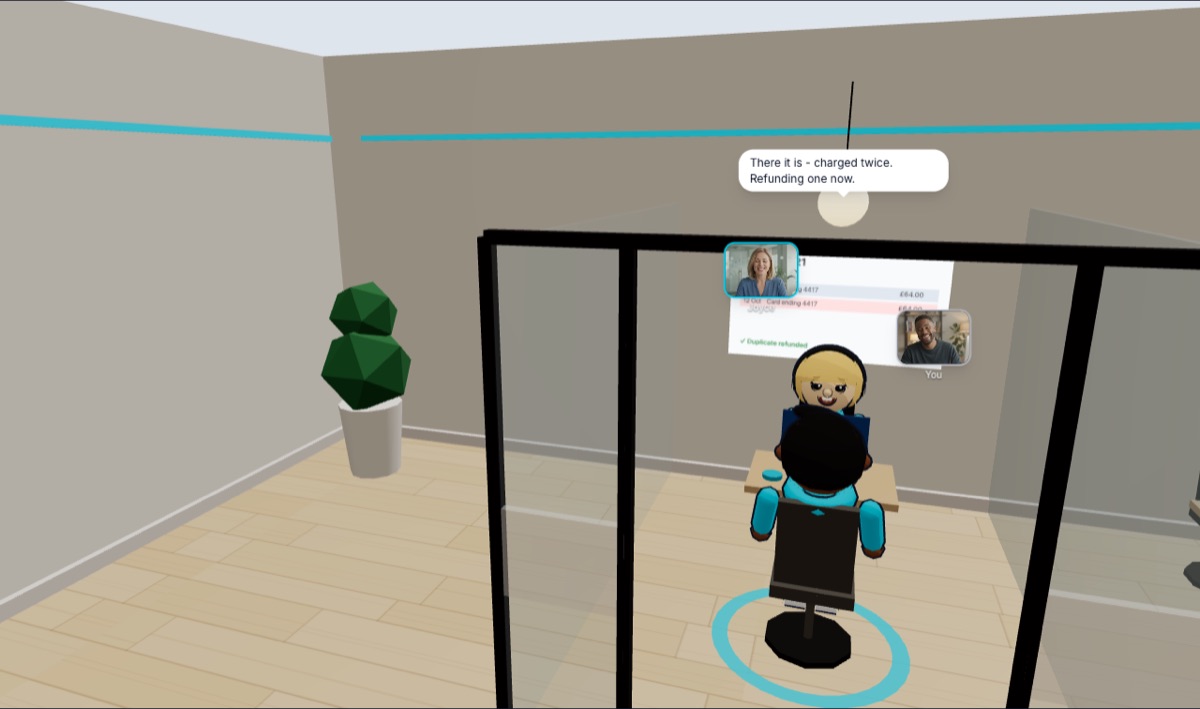
Walk up to the speaker, a sponsor or a sales rep and talk. The person you came to meet is right there.
 Step 5
Somewhere to come back to
Your building stays open after the event, with the next one on the board. The relationship doesn’t end with the call.
If you know Zoom, you know Noza
Zoom helps people attend. Noza helps them connect.
The same voices, cameras and screens. What changes is what happens because people came.
- When the talk ends
- The host ends the meeting for everyone.
- The room stays open. People turn to each other, or walk up to the speaker.
- A buyer with a question
- Asks in front of 250 people, or doesn’t ask.
- Walks over to your rep and asks, one-to-one.
- Networking
- Breakout rooms the host assigns, then everyone’s pulled back.
- Groups form at tables on their own, and people move between them.
- Sponsors
- A logo on a slide.
- A stand attendees walk up to and talk at.
- Who else came
- You never find out.
- Look round the room. They’re right there.
- Next time
- The link goes dead.
- The place is still there. People drop back in.
See it, then try it
Feel the difference in two minutes
Start a call in an event hall, a community hall or an office, send the link to a colleague, and walk over to them when they arrive. No account, nothing to install.
No account · Nothing to install · An hour, on us
Who it’s for
For anyone who pays to bring people together
For webinars
You paid for the audience. Now talk to them.
Most webinars end with “thanks for joining” and a hundred interested people closing a tab. On Noza the room stays open: attendees walk up to your team, ask what they wouldn’t ask in front of everyone, and leave having spoken to someone.
See howFor events
Your online event shouldn’t end when the presentation does.
You spent time and money bringing people together. On Noza they stay, meet each other, walk up to your speakers and sponsors, and leave with the reason they’ll buy next year’s ticket.
See how
Pricing
Pay for your team and your audience. That’s it.
Seats are for the people who run things, at £5 a month each. Audience is everyone else, priced by how many are in at once. Venues and your own building come with it.
Seats
£5 each a monthOwners, admins and hosts: whoever presents, sells, teaches or runs the place. Guest speakers don’t need one.
Audience, at once
Members, attendees, students, guestsHow many can be in your building and events at the same time. People who aren’t in don’t count.
Your bill
- 3 seats × £5
- £15
- Audience: 500 at once
- £149
- Total
- £164 a month
That’s a webinar team of 3 with up to 500 attending.
Host your next event on NozaFree up to 10 people at once · No card to start · Cancel any time
What people pay
- One big event? Take a bigger audience just for that month. It goes back on its own.
- Selling tickets or memberships? On a plan, it’s all yours: Noza takes nothing, just card fees. On the free plan, Noza keeps 5%.
- Just you? One seat, £5 a month: an office of your own for calls. Noza Personal
Prices in GBP, excluding VAT. Card fees on ticket and membership payments are Stripe’s, passed on at cost.
You might be wondering
Is it really like Zoom?
For the presentation, yes: voices, cameras and screen sharing, in your browser. The difference is everyone’s together in one place as an avatar, so when the talk ends they can walk over to each other instead of closing the tab.
Will my attendees know what to do?
If they can open a link, they can come. There’s nothing to install, and walking is click-to-go. Most people are talking within a minute.
How big can an event be?
Venues seat from 40 to 1,000 people, and they come with your plan. Your audience decides how many can be in at once: 10 free, then 100, 500 or 1,000. One big event? Take the bigger audience just for that month.
What does it cost?
£5 a month for each seat (the people who present, sell or run things), plus an audience: 100 at once is £49 a month, 500 is £149, 1,000 is £299. That’s it: no venue hire, no per-attendee fees. Noza takes nothing from tickets you sell, just card fees.
Do I need my camera on?
No. Your avatar and your voice are enough. If you turn your camera on, it shows over your head.
Can I try it before I set anything up?
Yes. Press “Try a call now”, pick an event hall, a community hall or an office, and send the link to a colleague. No account needed. A try-it call lasts an hour from when the second person joins.
Who can see my call?
Only people with your link. Every call gets its own room, and two calls never see or hear each other. When it ends, the guests are deleted.
Does it work on a phone?
Yes, in the browser on a phone or a laptop. Nothing to install.

Stop measuring your events by who showed up.
Start measuring what happened because they did. Bring people together with Noza.
Free to set up · No card needed